
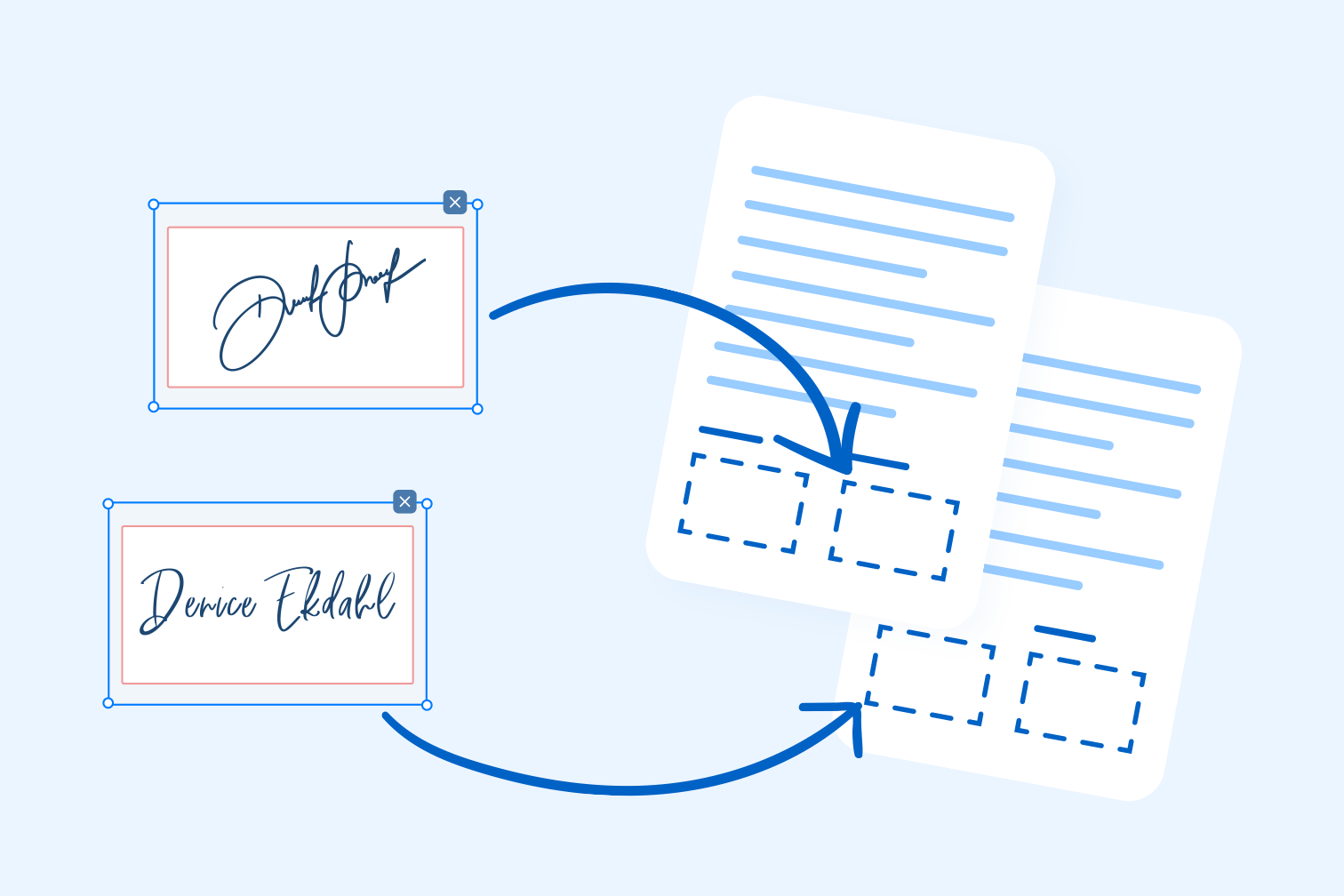
A client sends a contract, a landlord sends a lease renewal, or a vendor sends a form, and each one ends with the same request: sign and return. Printing, signing, and scanning turns a two-minute task into a chore. This guide shows how to eSign a PDF on any device, collect signatures from others, and keep the signed file and its signing record together.
TL;DR
Grand View Research valued the global digital signature market at $6.9 billion in 2025 and projects it will reach $121.0 billion by 2033, a sign of how routine electronic signing has become.
- You can sign your own PDF for free in a browser, Mac Preview, or iPhone Markup.
- Collecting signatures from others calls for a workflow with an audit trail.
- ESIGN and UETA bar rejecting a signature just because it’s electronic.
- Wills, family law records, and some eviction and utility notices are exceptions.
- Store the signed PDF and its audit trail or certificate together.
To eSign a PDF is to add an electronic signature to the file, such as a typed name, a drawn signature, or an image of your handwriting, with the intent to sign it. Federal and state law define an electronic signature broadly: any electronic sound, symbol, or process attached to a record and adopted by the signer with that intent.
How do you eSign a PDF in a browser?
Upload the file to an online signing tool, create your signature, place it on the signature line, and download the signed copy. Most browser-based tools that let you eSign PDF files work this way, with nothing to install. For a single-signer document, the whole process takes a few minutes.
- Open the PDF in a signing tool. Upload it from your computer, or open it from cloud storage if the tool connects to Google Drive, OneDrive, or Dropbox.
- Create your signature. Most tools offer three options: type your name and choose a script font, draw it with a mouse, trackpad, or finger, or upload a photo of your handwritten signature.
- Place it on the page. Drag the signature to the signature line and resize it. Add your initials, printed name, and the date if the document asks for them.
- Fill the remaining fields. Complete any text boxes, checkboxes, and dates so the other party doesn’t send the file back.
- Save the signed copy. Download it, or save it to the folder it came from, then send it to whoever requested it.
If you plan to forward the file by email, consider flattening it first. Flattening merges your signature and form entries into the page, so the entries are no longer separate form objects. Keep an untouched copy of the signed file when a signing service supplies one.
A signature added this way says little on its own about who signed. It works well for low-risk paperwork, such as a permission form or an internal approval. For contracts, use the workflow in the next section.
How do you send a PDF for other people to eSign?
Use a signing workflow instead of a basic signer. You upload the PDF, add each signer’s email address, place fields for each person, set a due date, and send. Signers open a link and sign in their browser. The tool logs every step in an audit trail, which becomes your record of who signed and when.
- Upload the document and confirm it’s the final version.
- Add signers and viewers. Enter each person’s name and email address. Double-check the spelling, because the email address often serves as the signer’s identity.
- Assign fields. Place signature, initials, date, and text fields for each signer, so nobody has to guess where to sign.
- Set a due date and reminders. Automatic reminders spare you from chasing people by hand.
- Review and send. Preview the document the way each signer will see it.
- Track and file. Follow the status as people sign, then download the completed PDF with its audit trail or certificate of completion.
Signers rarely need an account. Most workflow tools email a secure link, and the signer finishes in the browser on a computer or phone.
Choose a tool based on how often you send. Free tiers typically cap the number of documents you can send each month, while signing documents that other people send you is usually free.
How do you eSign a PDF on a Mac, iPhone, or Windows PC?
Your device probably has a free way to sign already. Macs and iPhones include signature tools in Preview and Markup. On Windows and Android, you can use Lumin Sign in a browser or a free signing app such as Adobe Acrobat Reader.
On a Mac with Preview
- Open the PDF in Preview.
- Click the Show Markup Toolbar button, then click the Sign button.
- Create a signature with your trackpad, with your Mac’s camera, and a signature on white paper, or with a nearby iPhone or iPad.
- Click the signature, drag it into place, and use the handles to resize it.
According to Apple, saved signatures carry over to your other Macs when iCloud Drive is turned on.
On an iPhone or iPad with Markup
- Open the PDF in the Files app, or tap the attachment in Mail.
- Tap the Markup icon, tap the plus button, and choose Add Signature.
- Draw your signature with a finger or Apple Pencil, then tap Done.
- Drag and resize the signature, then tap Done again to save.
Markup keeps your signature for reuse. When you sign an attachment from Mail, you can send the signed copy back in a reply.
On Windows or Android
Adobe Acrobat Reader’s free Fill & Sign tool works on both. Open the PDF, choose Fill & Sign, add a signature by typing, drawing, or importing an image, and click where it belongs. A browser-based signer works the same way on any operating system and doesn’t require an install.
Is an eSigned PDF legally binding?
For most business documents in the U.S., yes. The federal ESIGN Act, signed on June 30, 2000, says a signature, contract, or record can’t be denied legal effect solely because it’s electronic. At the state level, 49 states, the District of Columbia, and the U.S. Virgin Islands have adopted the Uniform Electronic Transactions Act (UETA). New York applies its own Electronic Signatures and Records Act.
Legal effect isn’t the same as automatic enforceability. If a signature is challenged, what matters is evidence: that the signer intended to sign, that the parties agreed to do business electronically, and that the record wasn’t altered afterward. UETA applies only when both parties agree to transact electronically, although that agreement can be inferred from their conduct.
Consumer transactions add one more step. When a law requires a business to give a consumer information in writing, ESIGN allows electronic delivery only after the consumer affirmatively consents.
If you sign with parties abroad, check the local rules. In the European Union, the eIDAS Regulation recognizes electronic signatures and gives qualified electronic signatures the same legal effect as handwritten ones.
Which documents are exceptions?
ESIGN’s general rule doesn’t apply to several categories of records:
- Wills, codicils, and testamentary trusts
- Adoption, divorce, and other family law matters
- Court orders, notices, and official court documents
- Notices of utility shutoffs and notices of default, repossession, foreclosure, or eviction involving a primary residence
- Notices canceling health or life insurance benefits
- Product recall notices involving health or safety risks
- Documents that must accompany hazardous materials in transport
Most Uniform Commercial Code transactions fall outside the rule too, although sales and lease contracts under UCC Articles 2 and 2A are covered. Some states have since passed separate laws that allow electronic wills, so local rules matter. This section is general information, not legal advice. For high-value or regulated documents, confirm the requirements with a qualified attorney.
What’s the difference between an electronic signature and a digital signature?
An electronic signature is any electronic mark you adopt to sign a document. A digital signature is one specific type. It uses a certificate issued through public key infrastructure (PKI) to tie the signer’s identity to the file and to reveal any change made after signing. Most business PDFs only need an electronic signature.
| Electronic signature | Digital signature | |
|---|---|---|
| What it is | Any electronic mark adopted with intent to sign | A certificate-based cryptographic signature |
| How identity is shown | Email address, login, audit trail, optional ID checks | A digital certificate tied to the signer |
| Tamper evidence | Depends on the tool, usually an audit trail and a locked final file | Built in, since edits after signing invalidate the signature |
| Typical uses | Contracts, NDAs, leases, HR forms, approvals | Regulated filings and some government and financial workflows |
Digital signatures offer stronger technical assurance, but they take more setup, such as obtaining a certificate. Use one when a regulator, agency, or counterparty requires it.
How can you tell a signed PDF hasn’t been changed?
Check the audit trail or certificate of completion that comes with it. A reliable audit trail records each signer’s email address, when each person opened and signed the document, and usually their IP address. For certificate-based digital signatures, open the file in a PDF reader that validates signatures and shows whether anything changed after signing.
A few habits keep signed files trustworthy:
- Keep the completed PDF and its audit trail together in the same folder or record.
- Don’t edit a file after it’s signed. Make changes in a new version and collect fresh signatures.
- Store signed copies where your team can find them, not only in one person’s inbox.
UETA also lets an electronic copy satisfy record-retention rules, as long as it accurately reflects the signed record and remains accessible for later reference.
What mistakes should you avoid when you eSign a PDF?
Several common mistakes arise during the signing process. Pasting a signature image into a contract you send to others leaves you without an audit trail. Signing a draft instead of the final version creates confusion about what was agreed. Each of these has a simple fix.
- Signing without reading the final version. Compare the file against the last agreed draft before you sign.
- Using a pasted image for multi-party contracts. Send those through a workflow that records each signer.
- Skipping the date and initials. Missing fields send documents back for a second round.
- Editing after signing. Any change after signature should go into a new version.
- eSigning an excepted document. Wills and certain notices need the formalities your state requires.
- Losing the audit trail. Download it with the signed file, not months later when you need it.
How Lumin Sign handles PDF eSigning
Lumin Sign handles both jobs in this guide: signing a PDF yourself and sending one out for signature. With Lumin Sign, you upload a PDF, add signers, set a due date, place a signature, date, and text fields, and send it. Signers don’t need an account, and they can sign on a computer, tablet, or phone.
Lumin Sign’s free plan includes legally compliant eSignatures, fillable fields, and multiple signers for up to five documents per workspace per month. Lumin Sign Pro starts at $18 per user per month and adds automated reminders, status tracking, and a certificate of completion with a timestamped audit trail. For higher-stakes documents, Lumin Sign’s Verified Digital Signing checks the signer’s identity against a verified digital credential at the point of signing. Lumin PDF connects with Google Workspace for teams that store and edit PDFs in Google Drive.
Lumin Sign’s free tier suits occasional senders. Teams that send dozens of agreements a month will need a paid plan. Organizations that must use certificate-based digital signatures for specific filings should confirm that any tool, Lumin Sign included, meets that requirement.
Frequently asked questions
Can you eSign a PDF for free?
Yes. Preview on a Mac, Markup on an iPhone or iPad, and Adobe Acrobat Reader’s Fill & Sign tool all let you sign your own PDFs at no cost. Browser-based signing tools usually offer free tiers too. Free plans tend to limit how many documents you can send to others each month, while signing documents that other people send you is typically free.
Is a typed name a valid electronic signature?
It can be. U.S. law defines an electronic signature by intent, not appearance, so a typed name adopted with the intent to sign qualifies. What makes it hold up in a dispute is the evidence around it: the signer’s email address, timestamps, and an audit trail showing the document wasn’t changed.
Do signers need an account to eSign a PDF?
Usually not. Most signing workflows email each signer a secure link, and they sign in the browser without registering. The sender needs an account to prepare the document, place fields, and track progress.
Can you eSign a PDF on your phone?
Yes. On an iPhone or iPad, open the PDF in Files or Mail and use Markup’s Add Signature option. On Android, use a browser-based signer or a signing app. When someone sends you a signature request, you can open the email link and sign directly on the phone.
Does an eSigned PDF need to be notarized?
Only when the document type legally requires notarization, such as a deed or an affidavit. ESIGN allows a notary’s electronic signature to satisfy that requirement. Rules for remote online notarization vary by state, so check the requirements where the document will be used.